https://youtu.be/RpzUWxIYZRE
New England Temperature Solutions is now part of Neal Systems

https://youtu.be/RpzUWxIYZRE
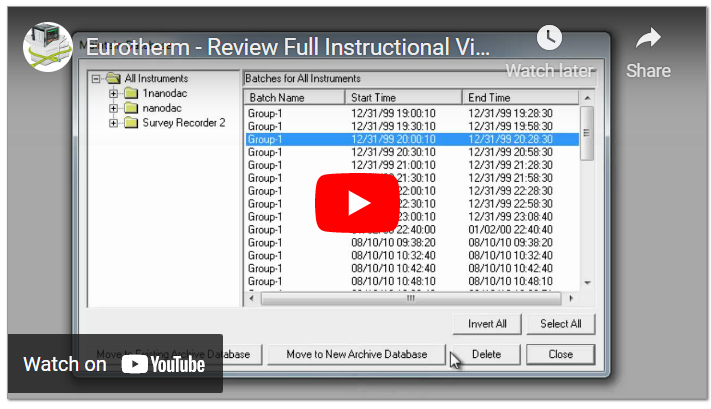
https://youtu.be/YsqWa32DB7c
https://youtu.be/OVgdn3Eg4Bg
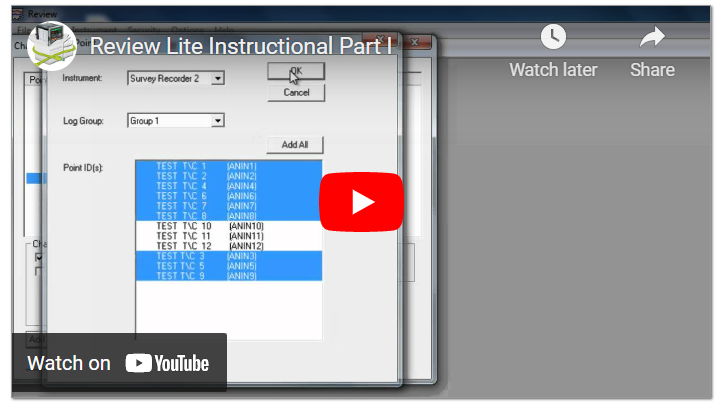
https://youtu.be/LwAOL_GEAOw
https://youtu.be/rEzBL-ypB0Y
https://youtu.be/u_Y2UXqU_l0
https://youtu.be/XQx7uycpLfg
https://youtu.be/IB6kc2bjH0s
https://youtu.be/fEm-ghJOsLg
https://youtu.be/d6PeXLKwVJ4 FUSION SCR
https://youtu.be/CDjxbNzpQg0 Fusion SCR Power Controller
https://youtu.be/FNJlV_o9mME FUSION SCR Power Controller
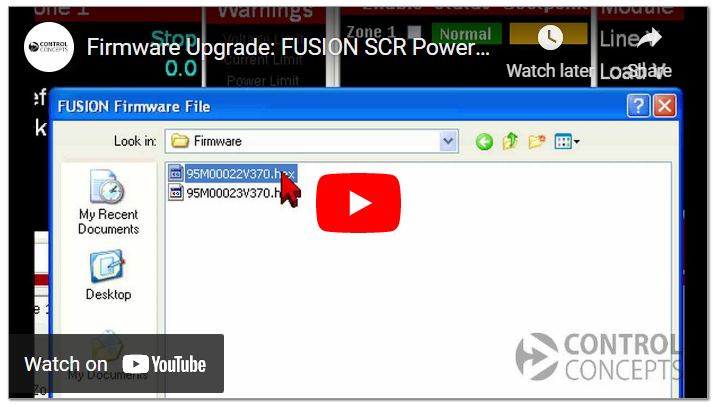
https://youtu.be/cJTwcXb_344 Fusion SCR Power Controller Fusion SCR Power Controller
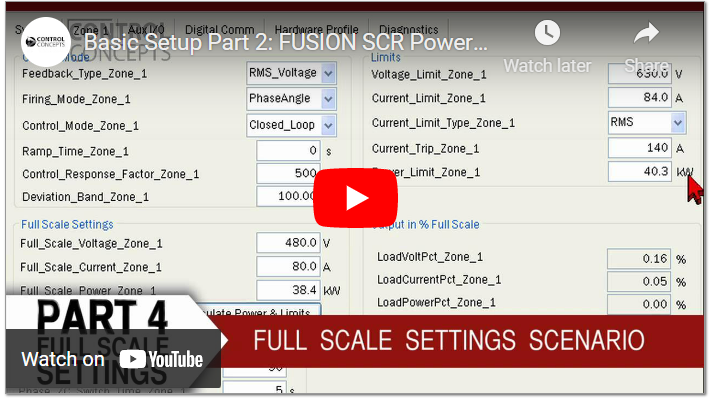
https://youtu.be/v63WPOWZnP4
https://youtu.be/3znMWWtIAWI
https://youtu.be/c975pmK3Wo8
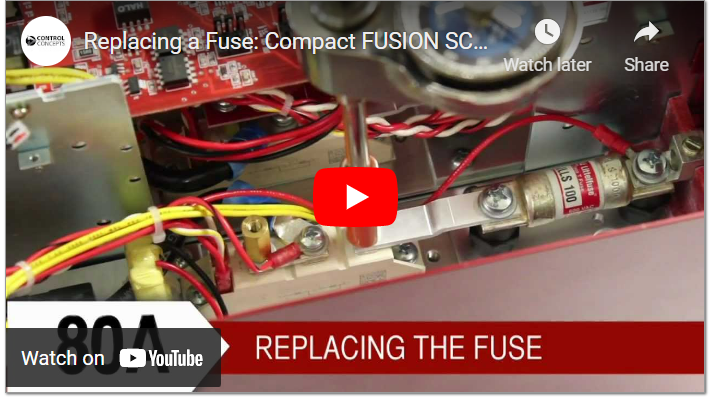
https://youtu.be/L7yyW6J-z5w
https://vimeo.com/41574196 This will show you how to advance a programmer to a future segment for whatever reason. First we start by putting the program into RUNThen we put the programmer into HOLDNotice we are in segment number 1 of 4, this is just a test...
https://vimeo.com/40676325 Basic Nanodac Setup This Video Tutorial will demonstrate the basic CONFIGURATION Setup of a Eurotherm nanodac 4 channel recorder using iTools.Now that you have just received your nanodac recorder, please begin by removing it from the box....
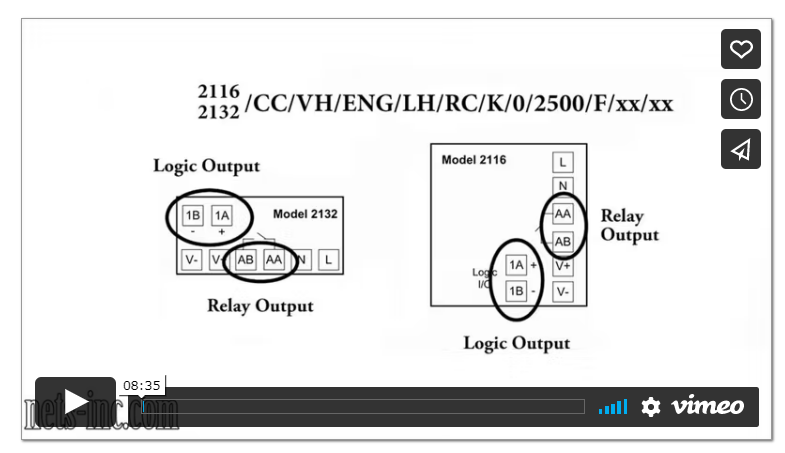
https://vimeo.com/40517083 2132 / 2116 Operations Level Configuration
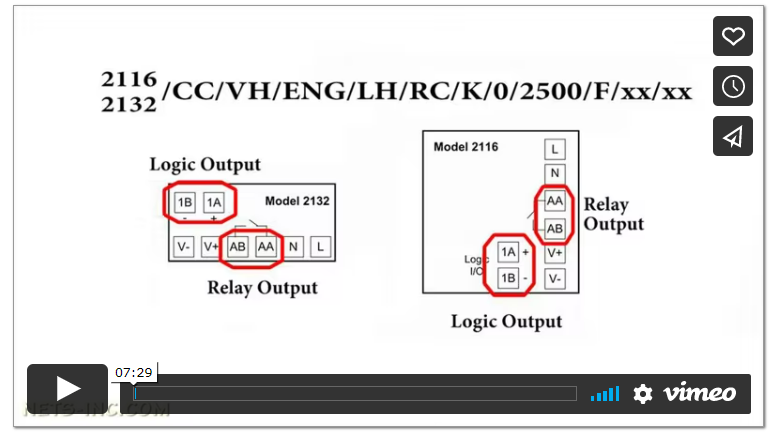
https://vimeo.com/37612498 Eurotherm 2132/2116 This video tutorial will demonstrate the basic CONFIGURATION LEVEL setup of a Eurotherm 2132/2116 controller. The 2132/2116 controller is a fixed hardware configuration instrument. What this means is that it comes...
https://vimeo.com/33349078 Basic Startup Configuration for the Eurotherm Nanodac Before any changes can be made to the Eurotherm nanodac configuration it will be necessary to login as a user with the relevant access permissions, in this case Engineer. From the home...
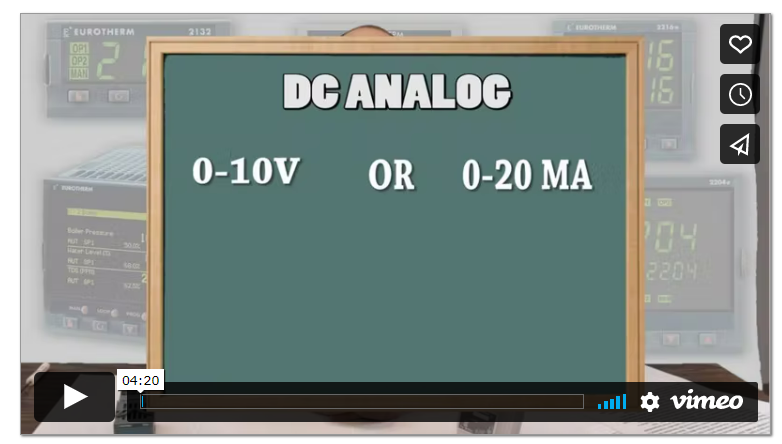
See Part 1 Here https://vimeo.com/33039070 DC Analog:The DC Analog output type provides a variable analog signal typically in the range or 0-10VDC or 0-20mAdc. These output types and ranges are configured in temperature controller to match the input signal...
https://vimeo.com/32991060 How To Wire a Temperature Controller - Part 1 This video tutorial will discuss and review the most common output signal wiring configurations for a Heat Only Temperature Control Loop. The typical outputs are AC Logic (Both Relay and Triac),...
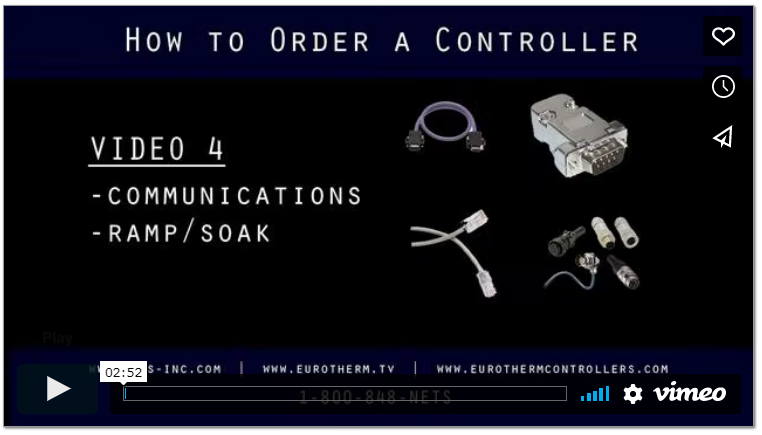
https://vimeo.com/30130283 Digital communicationsThere are six different types of digital communications.Serial RS 232Serial RS 485Serial RS 422EthernetDevicenetProfibus The amount of instruments connected to the computer and the protocol of the instruments will...
https://vimeo.com/30098966 Control types:This is one of the most complicated and confusing sections of a controller and we will have a separate video designed to explain proportional integral and derivative, but there are basically three types of control:On-Off...
https://vimeo.com/30089065 As referenced earlier, the PID, stability, and Accuracy of most of the controllers are similar on all sizes. However premium controller such as the 3504 and 2704 have higher accuracy to meet Mill specs and life science regulations such as 21...
https://vimeo.com/30093841 Hi my name is Dominick Deluca I am the president of New England Temperature Solutions. Today's topic is on how to select a eurotherm controller. We will talk about size, cost Versus function, inputs, output types, control types, alarm types,...
https://vimeo.com/24890273 Chris Mooney from Eurotherm gives you step by step instructions showing you how to upgrade your current nanodac recorder / controller to the latest Firmware and BootROM version.
https://vimeo.com/25080102
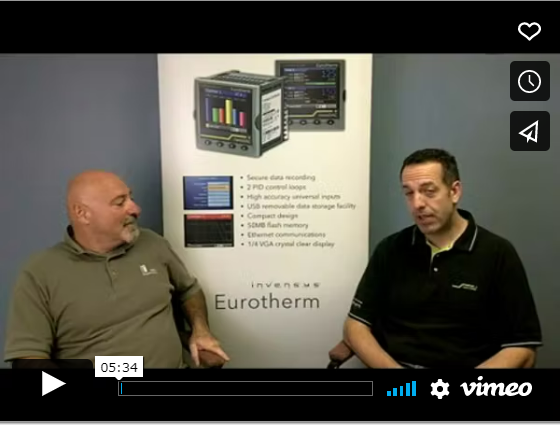
https://vimeo.com/24931848 Eurotherm Heat Treat Solutions
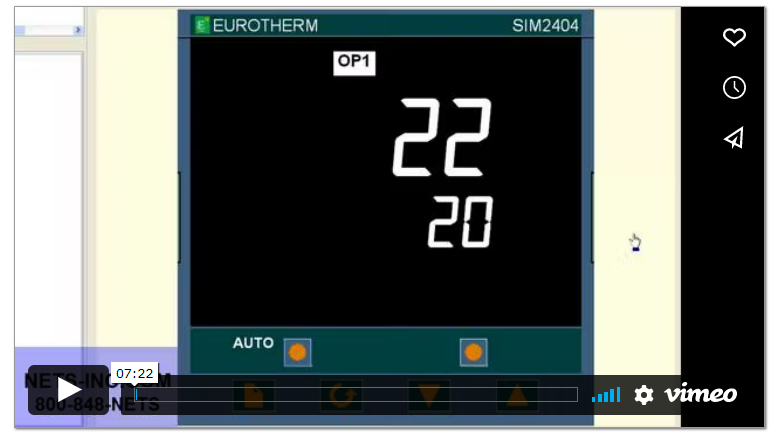
https://vimeo.com/24926542 Eurotherm 2000 Series This Video Tutorial will show you how to change the Input from a Thermocouple to a Linear Milliamp Input on a Eurotherm 2000 Series Controller.Presently the controller is setup as Type K Thermocouple with a range of...
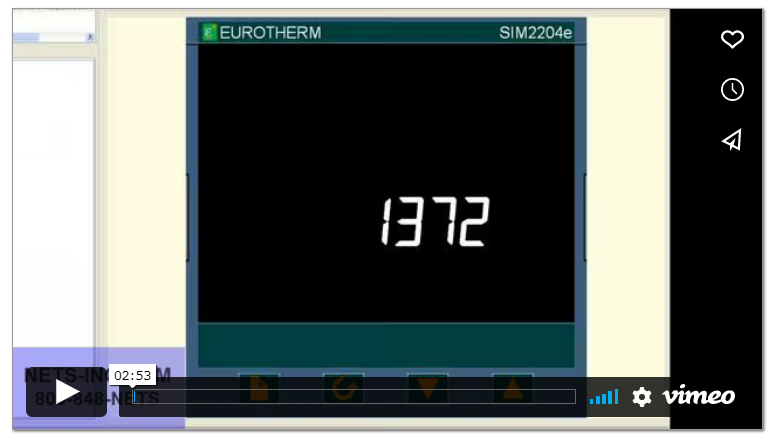
https://vimeo.com/24926416 2000 Series - Configuration for a Refrigeration "Cooling" control loop This Video Tutorial will show you how to change the Control Action from Reverse Acting Control (Typical Heating Application) to Direct Acting Control (Typical...
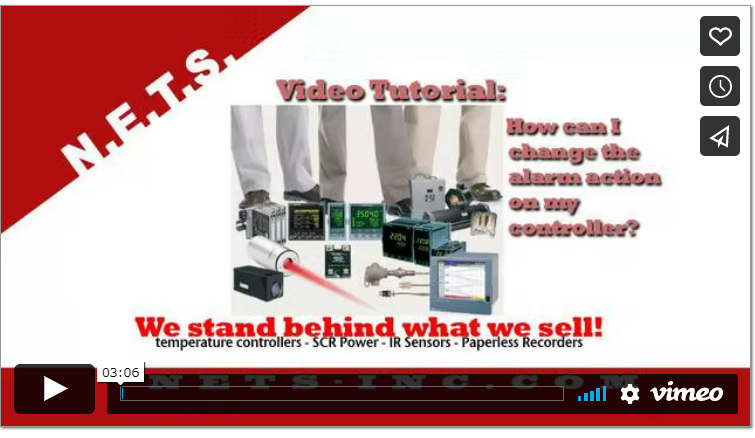
https://vimeo.com/24926074 This Video Tutorial will show you how to change the Control Action from Reverse Acting Control (Typical Heating Application) to Direct Acting Control (Typical Refrigeration Cooling Application) on a Eurotherm 2200 Series Controller.The...
https://vimeo.com/24925920 This Video Tutorial will show you how to change the Output Hi-Limit (OP.HI) so that your output can turn on. We are using a Eurotherm 2200 Series Controller.The typical reason why this can happen is because the Output Hi-Limit (OP.HI)...
https://vimeo.com/24925569 This Video Tutorial will show you how to change the Input from a Thermocouple to a Linear Milliamp Input on a Eurotherm 2400 Series Controller.Presently the controller is setup as Type K Thermocouple with a range of 0-1372°C.We are...
https://vimeo.com/24925330 Eurotherm 2000 Series Controllers This Video Tutorial will show you how to change the Thermocouple Type on a Eurotherm 2200 Series Controller.Presently the controller is setup as Type J Thermocouple with a range of 0-600°C.We are going...
https://vimeo.com/24925116 This Video Tutorial will show you how to setup the Eurotherm iTools Software to communicate via Serial Modbus RTU protocol. First we must begin by clicking on the START button at the bottom left corner of your desktop.Next navigate to...
https://vimeo.com/24925219 This video tutorial will show you how to set up the Eurotherm itools software to communicate via Ethernet Modbus TCP/IP Protocol.First we must begin by clicking the start button at the bottom left corner of your desktop.Navigate to the...

https://vimeo.com/24924363 To begin configuring nanodac review software, we click start -> programs -> eurotherm, and then click on review. This opens up the review software, and you can click no where it asks if you want to activate a review of full features at...
https://vimeo.com/24924099 To begin configuring the nanodac review software, we click on start, programs, eurotherm, review. This opens the review software, and we can select no for review full features at this time. We select instrument, auto backup and transfer, and...
https://vimeo.com/24923953 To begin configuring the review software to communicate with the Nanodac Via Ethernet, we click on start, programs -> eurotherm -> review. From here it opens up the review software and we can select no for review full features at this time....
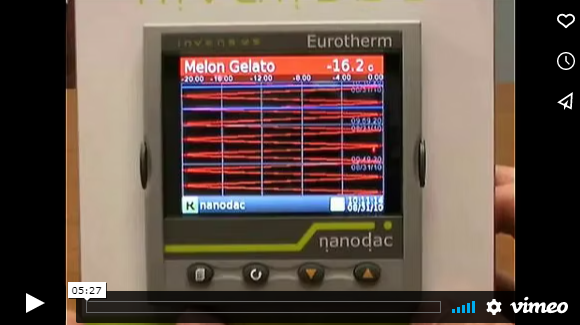
https://vimeo.com/24923605 To begin we will click on the start menu, navigate to settings, control panel. Click on the control panel. We will navigate and double click on our itools icon. This brings up the registry settings itools configuration screen. From here we...
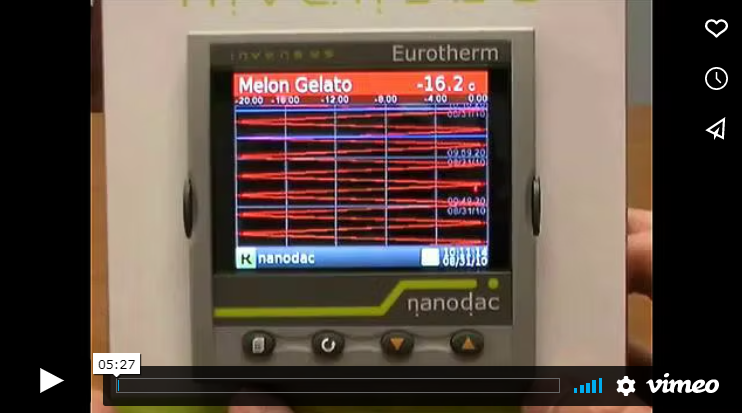
https://vimeo.com/24921998 This video tutorial demonstrates how to change the IP address and FTP Server Password on the Eurotherm Nanodac. First you must contact your IT department to reserve an IP address on your system network. It will be a fixed IP address....
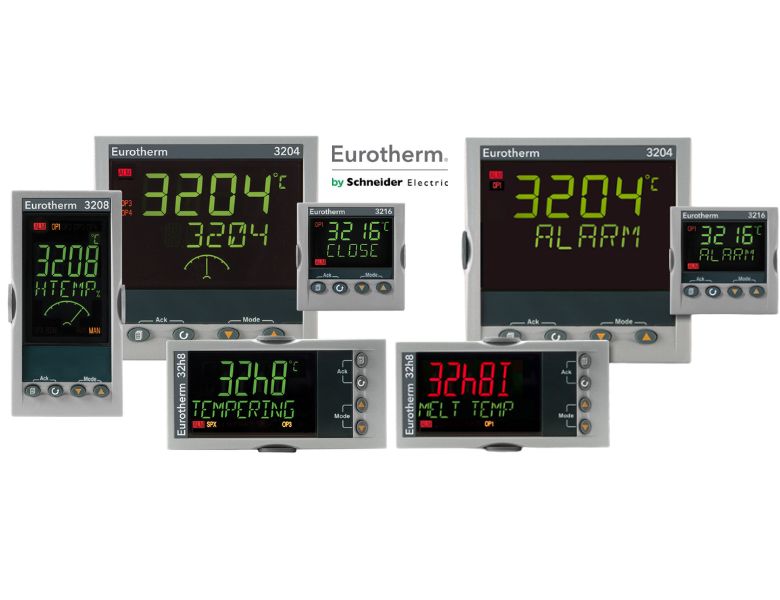
Product Resources [dsm_blog_carousel include_categories="63,65,64" use_excerpt="off" use_date="off" use_author="off" columns="4" pagi_color="#0B3C6E" pagi_active_color="#C30E2E" post_equal_height="on" _builder_version="4.17.6" _module_preset="default"...
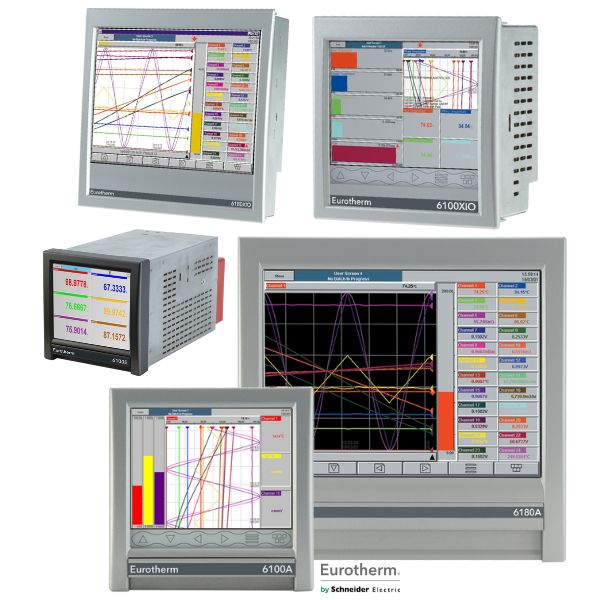
Product Resources
https://vimeo.com/134765462 Eurotherm 2204e or 2208e Temperature Controllers
https://youtu.be/81aFmIT7hfw
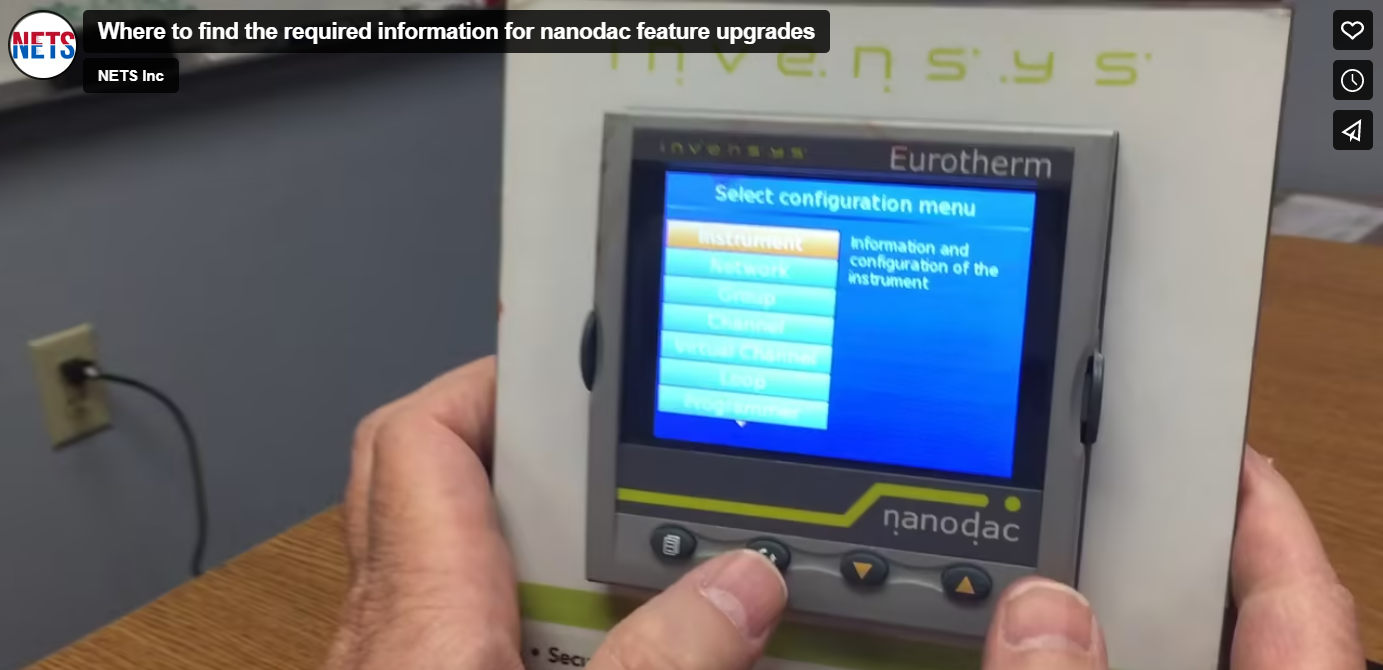
https://vimeo.com/138118560 In order to upgrade a Nanodac, there are a few pieces of information we must first retrieve from the unit. First we must log into the nanodac as engineer. Typically the default password is 100 Once logged in, the first thing we need to do...
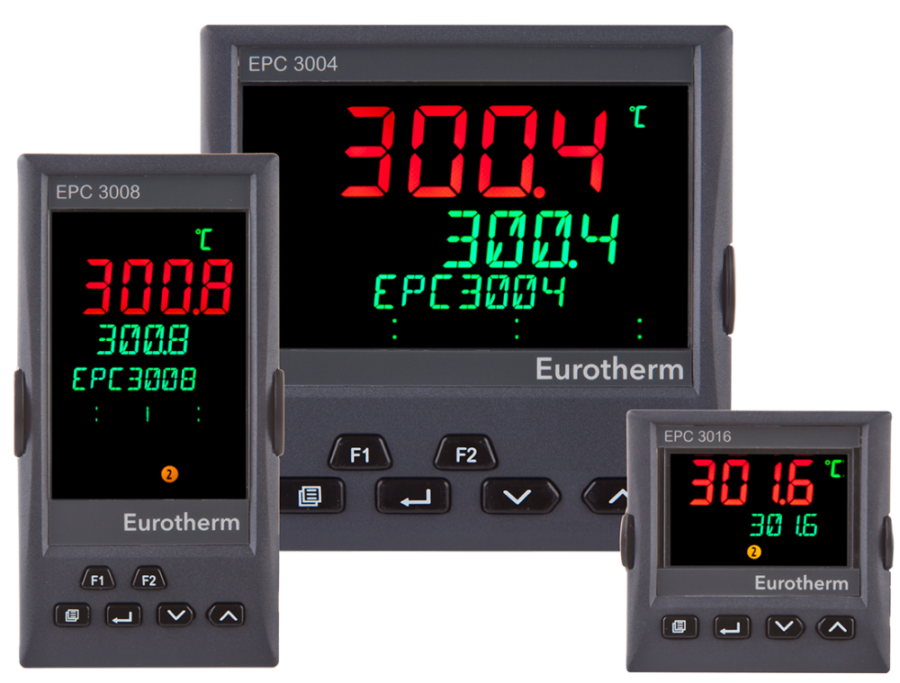
Product at a glance - EPC3000 Series Temperature / Process Controllers The EPC3000 range of programmable single loop process and temperature controllers maximizes efficiency and repeatability and is certified for cybersecurity communications robustness. The...